P
L
A
S
M
O
N
.
I
O
Loading...
İstinye Garage incubation hub Ayazağa Mah. Kemerburgaz Cad. Vadi İstanbul Park Sitesi 7A Blok No:7B Kat:2 İç Kapı No:4 Sarıyer – İstanbul
[email protected]
+02162101980
Panel Giriş
Skip to content
[email protected]
İstinye Garage incubation hub Ayazağa Mah. Kemerburgaz Cad. Vadi İstanbul Park Sitesi 7A Blok No:7B Kat:2 İç Kapı No:4 Sarıyer – İstanbul
About us
Who are we?
References
Documentation
Our Business Partners
Our Solutions
Plasmon
Environmental Control Platform
Products
Standard Device
Industrial Device
Plasmon+
Quality and Risk Intelligence
Plasmon GO
Sectors
Logistics and Warehousing
Pharmaceuticals and Healthcare
Food and Beverage
Agriculture and Livestock
Chemical and Industrial Manufacturing
Energy and Technical Areas
HORECA
Sources
blog
F.A.Q.
Plasmon FAQ
Plasmon+ FAQ
E-Catalog
Contact
Telefon:
0216 210 1980
Panel Girişi / Entrance
How to Connect a Device to Wi-Fi?
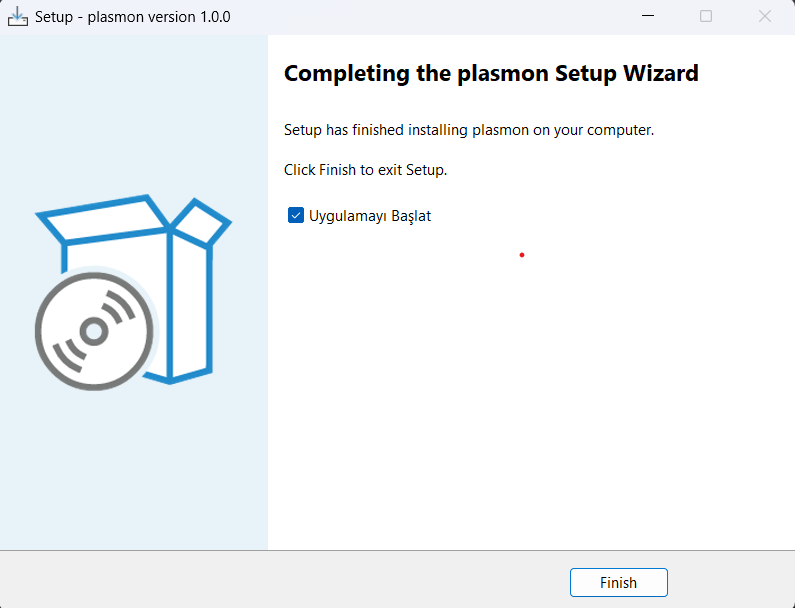
Download and Install the Application
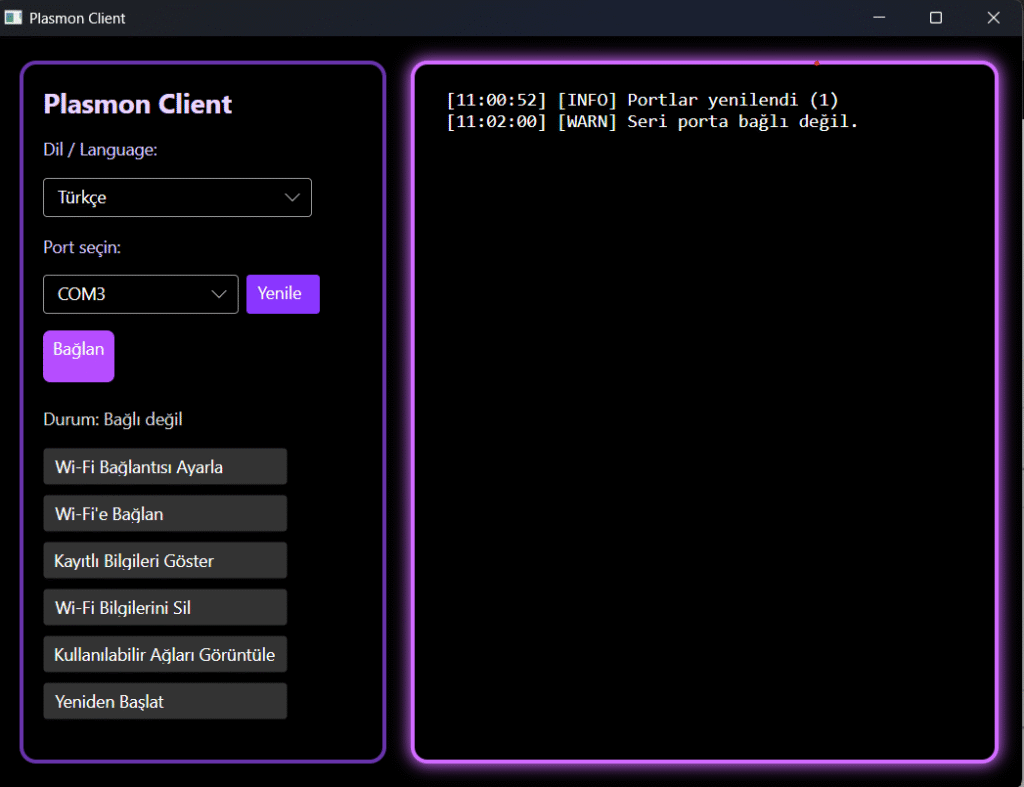
Install the Wizard. Run the application.
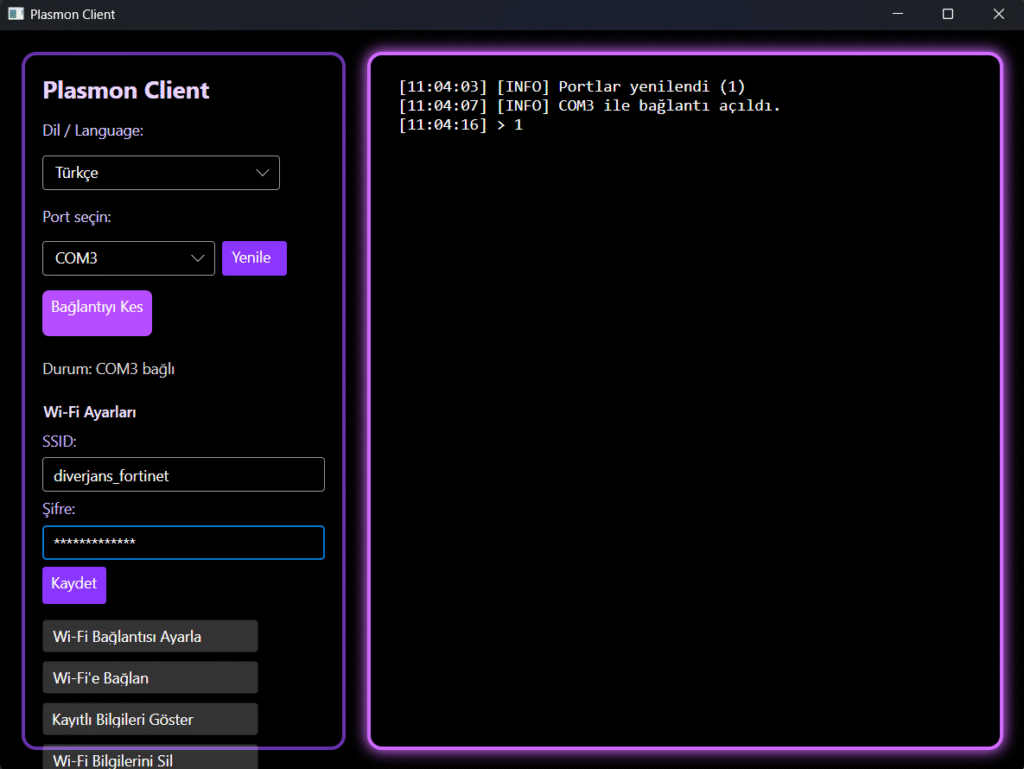
Connect the device to your computer. Select the port where the device is connected. Click the “Connect” button.
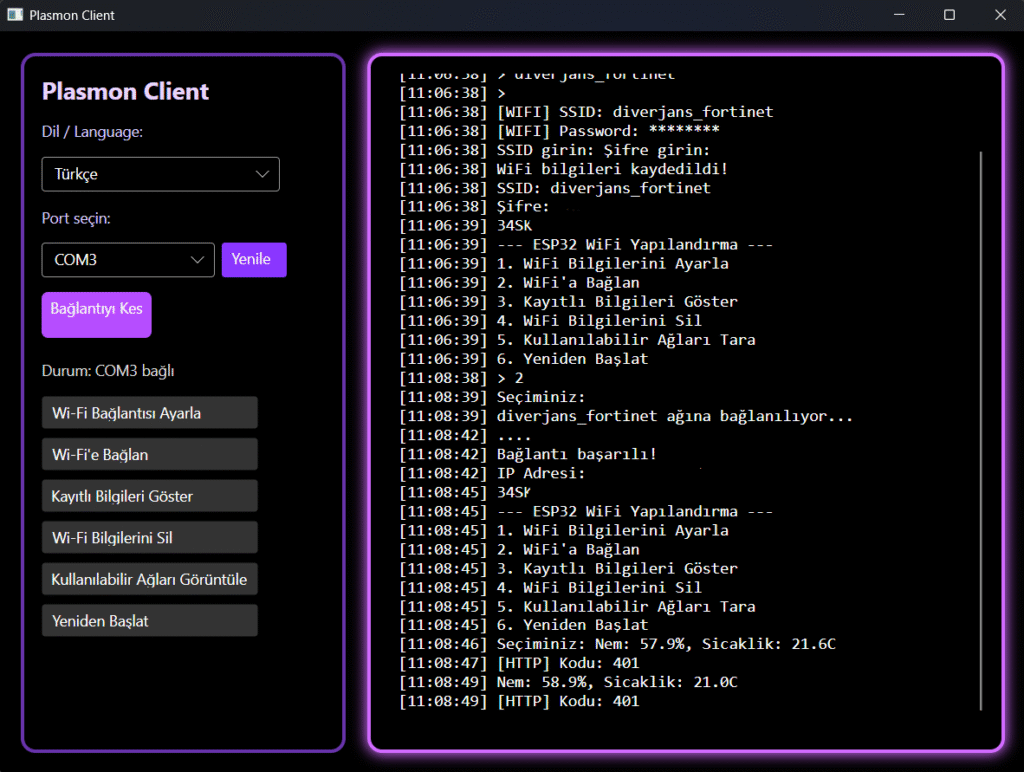
Click the “Set Wi-Fi Connection” button. Enter your SSID (Wi-Fi name) and password. Click the “Save” button. Then click the “Connect to Wi-Fi” button.
If the connection is successful, you can start using the device.
Download the application from the link below.
Link:
Click here to download